
Create Your Pets Plus Us Portrait
A Pets Plus Us Portrait brings you and your pet together. Start with separate photos or a favorite group shot.
Portrait styles for you and your pet
Want the expression on your cat’s face to be the first thing you notice? Try Soft studio. If the two of you are happiest outside, explore Out in the world. Open an example to see how the setting changes the feel of the portrait.
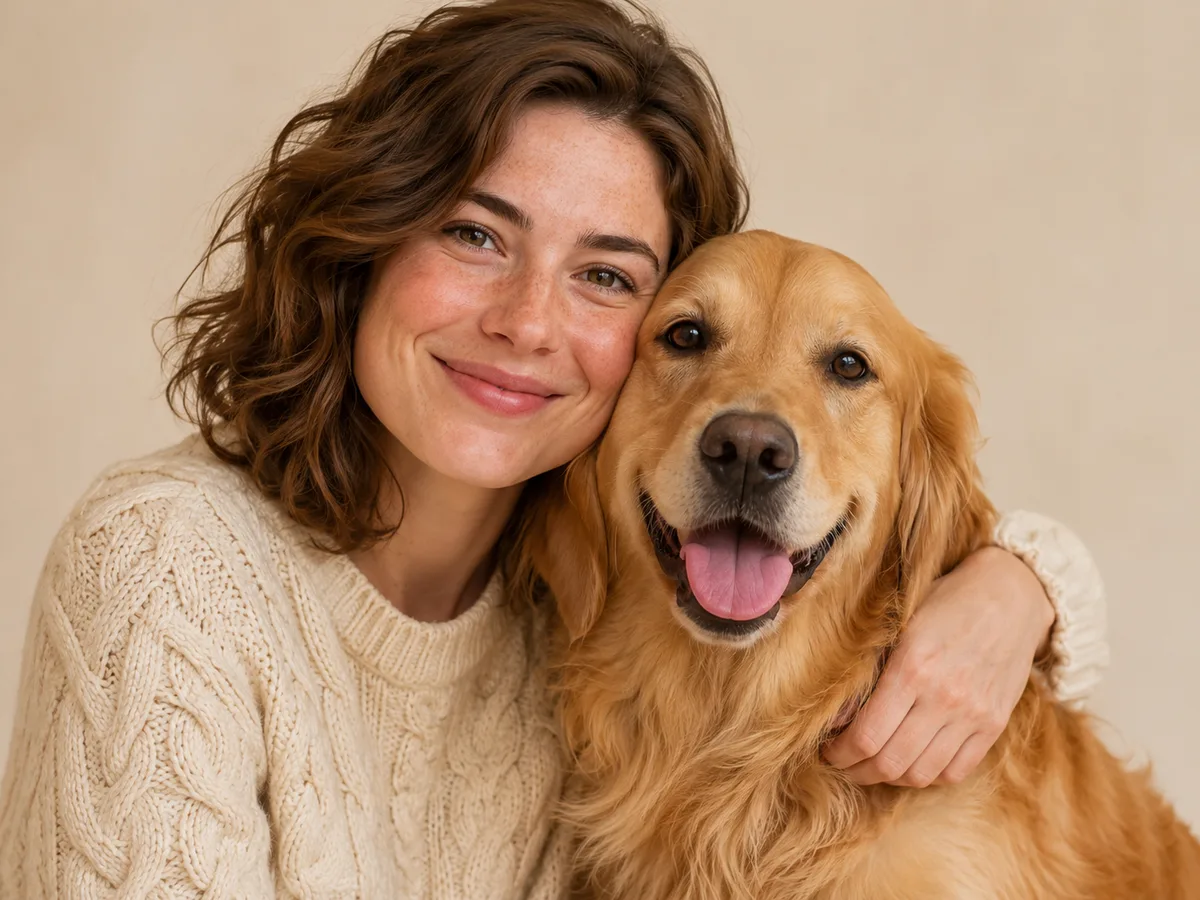
A soft studio portrait
Soft light and a simple backdrop draw your eye to the faces. Look at the expression on the person’s face, then at the pet beside them. Those small details are what give this style its character.
Style selected: Soft studio
How to make a Pets Plus Us Portrait
Start with the people and pets you want in the picture. You can use a photo of everyone together or choose a separate photo for each face.
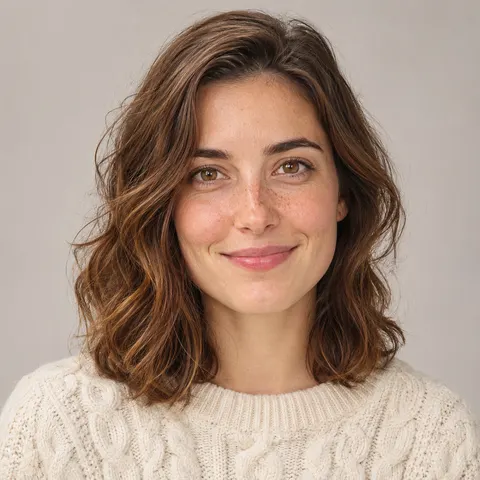
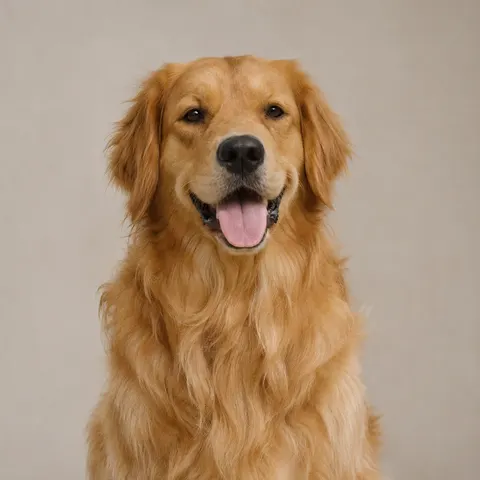
Choose photos with clear faces
Use a group shot if every face is easy to see. Separate photos work well when your dog looks great in one picture and you prefer another.
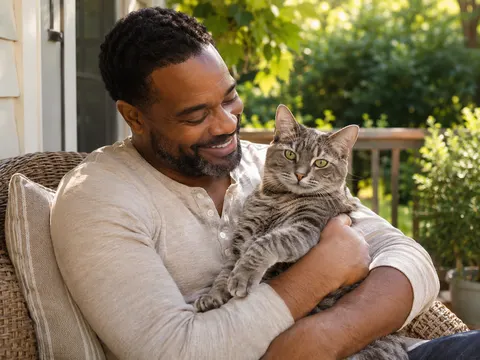
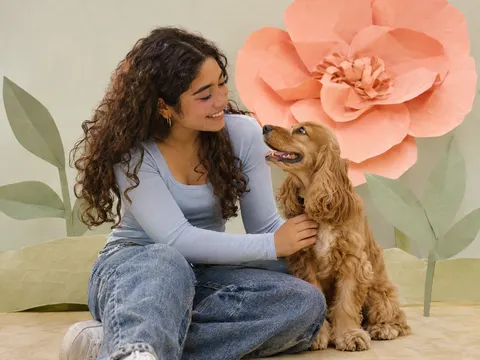
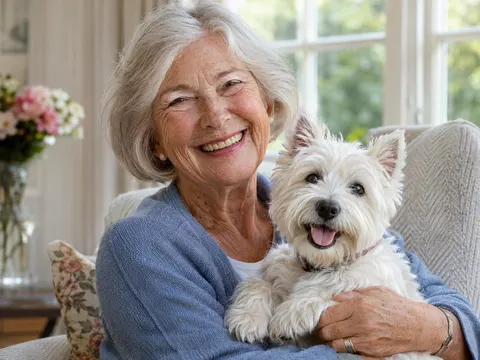
Choose a setting that feels familiar
Try soft studio light for a close-up, an outdoor scene for a walking companion, or a playful setting for a pet with a big personality.
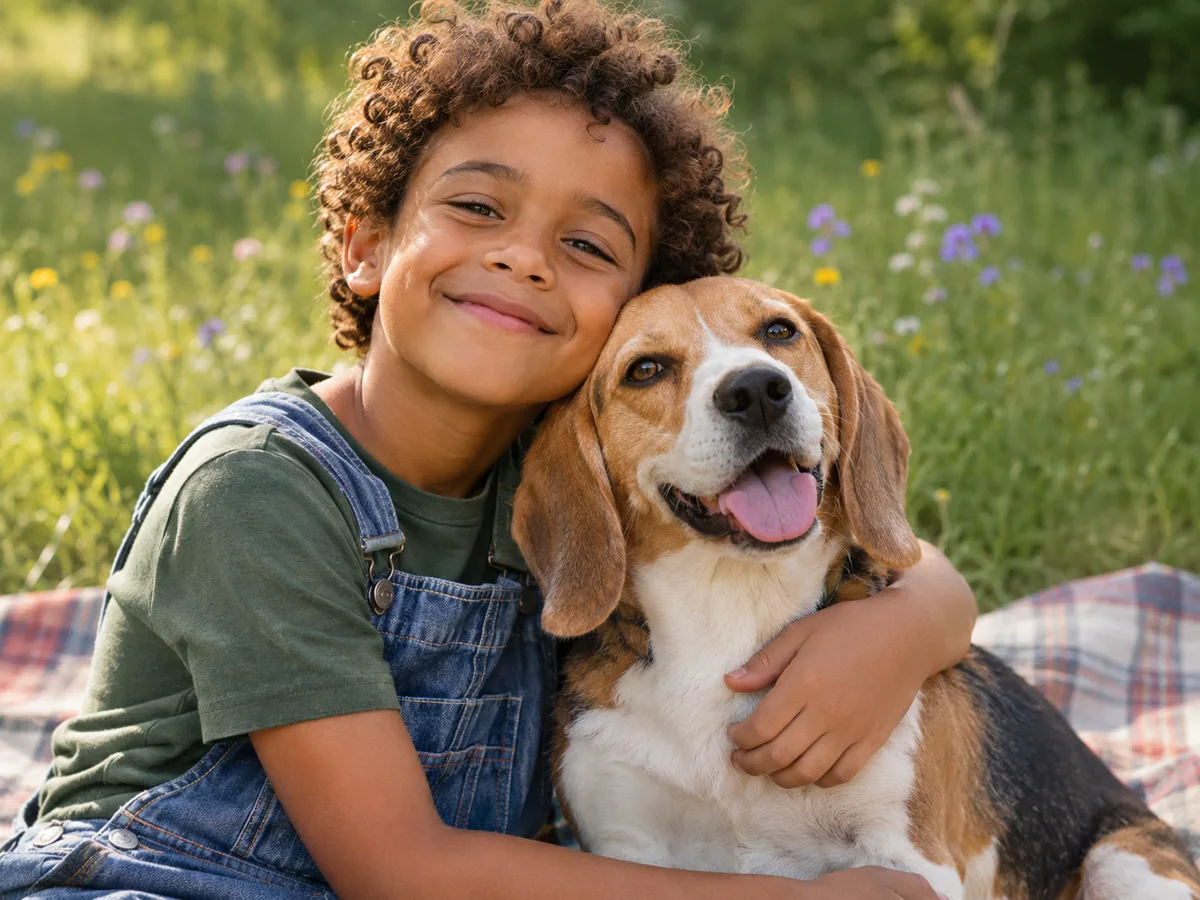
Review your portrait before downloading
Check that the photo review includes the people and pets you intended. When generation is available, review your previews and choose which portraits you’d like to buy.
You can explore the example without uploading photos. When generation is available, you can create as a guest.
Which photos make a good portrait?
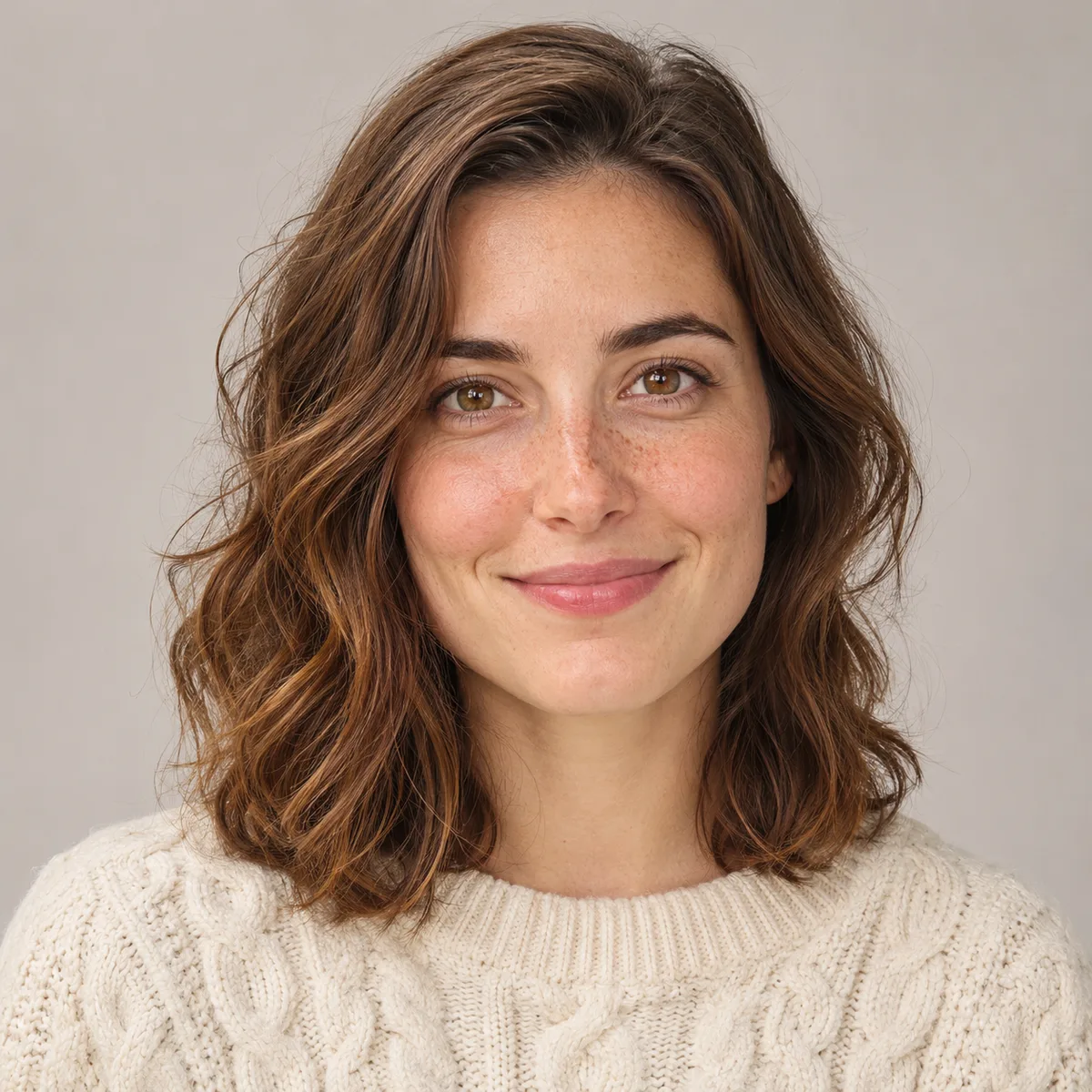
Choose a photo where you can see your pet’s eyes, the shape of their ears and the markings around their nose. For your own photo, look for even light and an expression that feels like you. If someone is half hidden in a group shot, use a separate photo that shows their whole face.
- Individual or group photos with every face visible
- Natural light, clear details
- Keep ears and faces in the frame
Choose photos with clear faces and natural light; avoid heavy filters and blurred details.
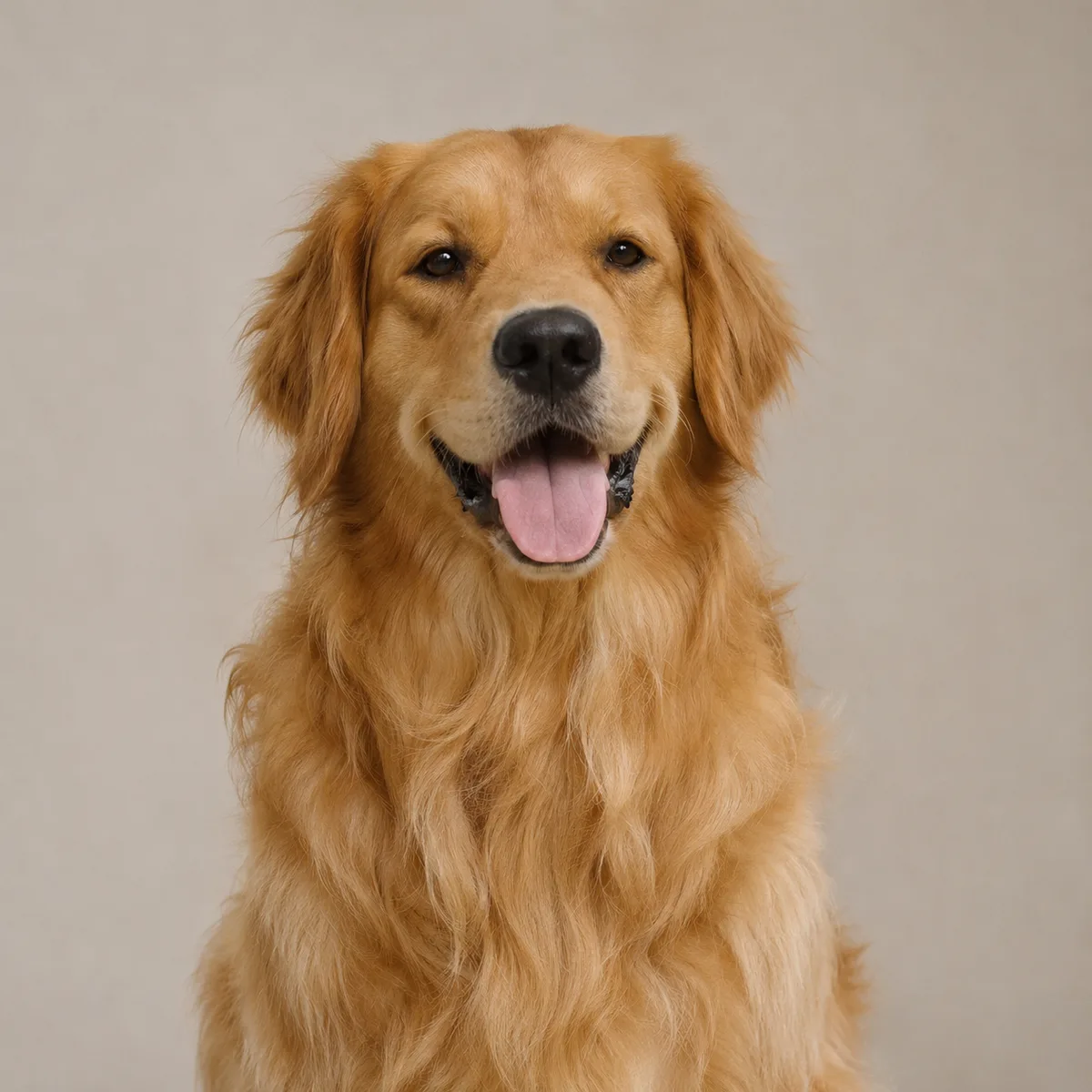
Questions about your pet and family portrait
Have a group photo, several pets or a question about downloads? Check the details below before choosing your photos.
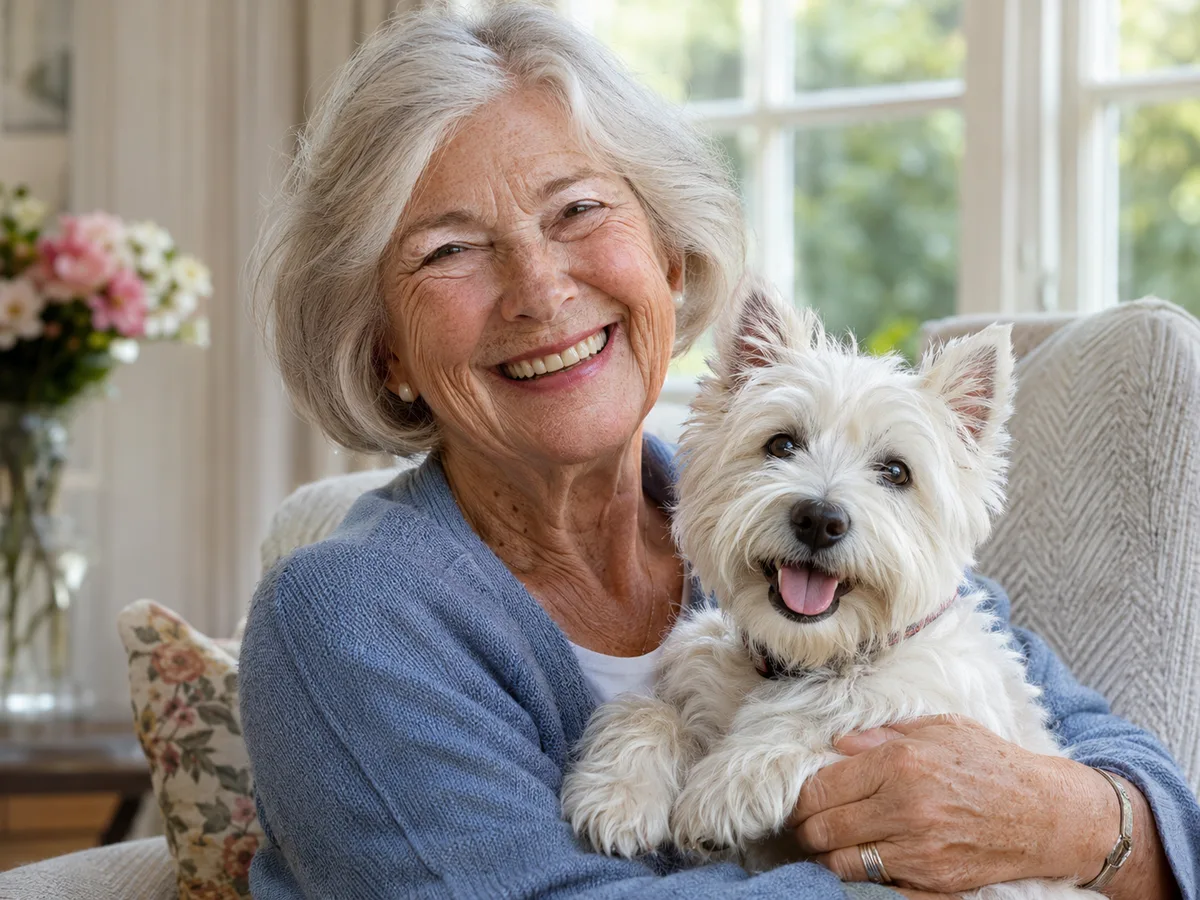
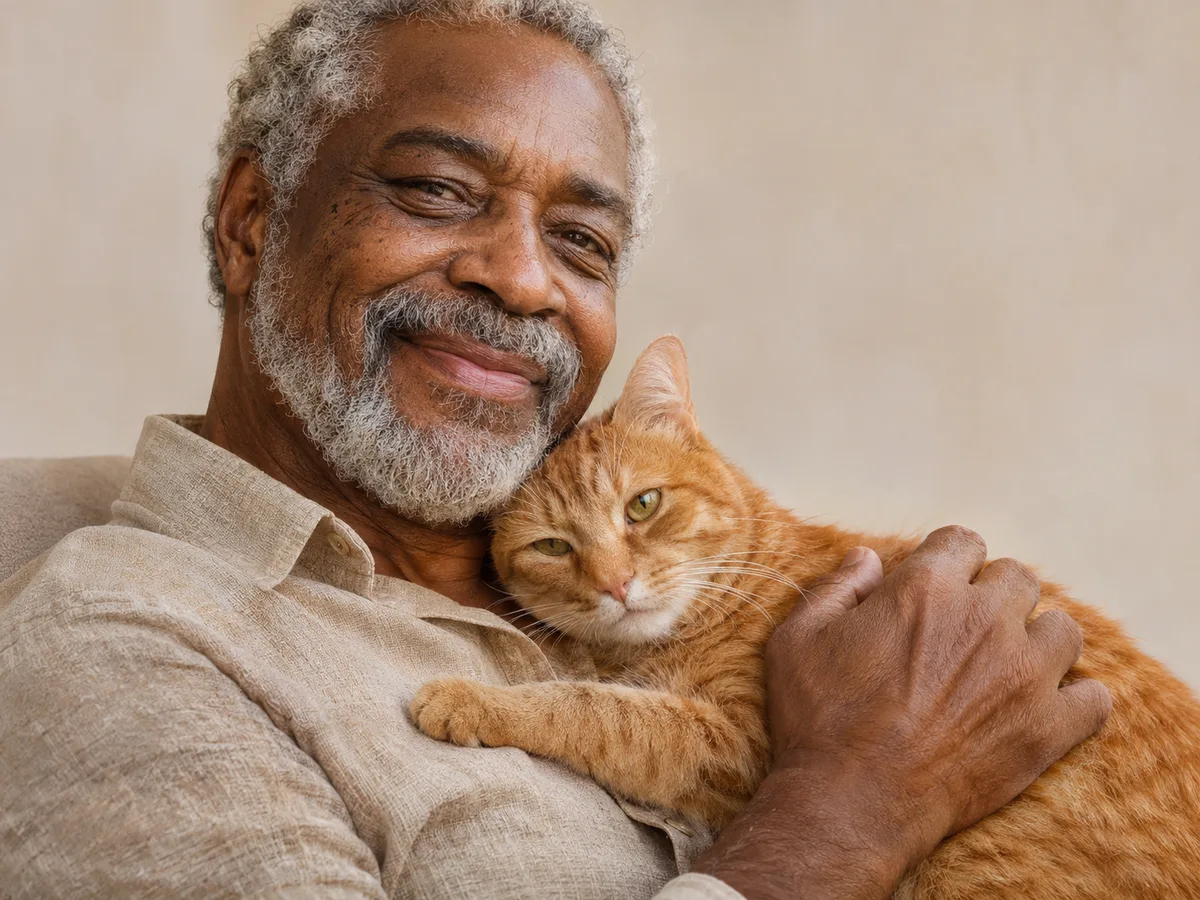
Do my pet and I need to be in the same photo?
No. You can use a photo of yourself and a separate one of your pet. A group photo works too if everyone’s face is visible. For example, a clear selfie and a photo of your dog sitting by a window can be your starting pair. Use People photos for a mixed group and Pet photos for pet references. Use JPG, PNG or WebP, up to 5 MB per file and 300–6000 pixels on each side. The combined limit is 15 photos and 40 MB.
Can I include several people or pets?
Yes. The homepage supports up to 5 people and 4 pets, including cats and dogs. Keep every face clearly visible. We check the photos and show the number of people and pets before you generate. Templates on the create page have their own subject counts.
What should I look for in my portrait preview?
Start with the details you know best: the white patch on your dog’s chest, the shape of your cat’s ears, or the way you smile. AI can change markings and facial details. Look closely at the preview before choosing a download.
Is portrait generation available yet?
You can try the example at any time. When uploads are available, add your photos and confirm you have permission to use them. Review the detected people and pets before you generate your previews.
How much does it cost?
See Pricing for current preview and download options, including the total payment before checkout. The prepared example on this page is free to explore. View prices & options
What happens to the photos I choose?
Uploaded photos are stored privately and shared with our moderation and AI providers to process your request. Generated portraits are checked before they can be viewed or downloaded. Removing a preview does not delete an existing server task.
Who’s in
your portrait?
Pick the photo that feels most like the two of you. If you’re still deciding on a style, explore a finished example first.
Create our photo