
From two photos to one portrait
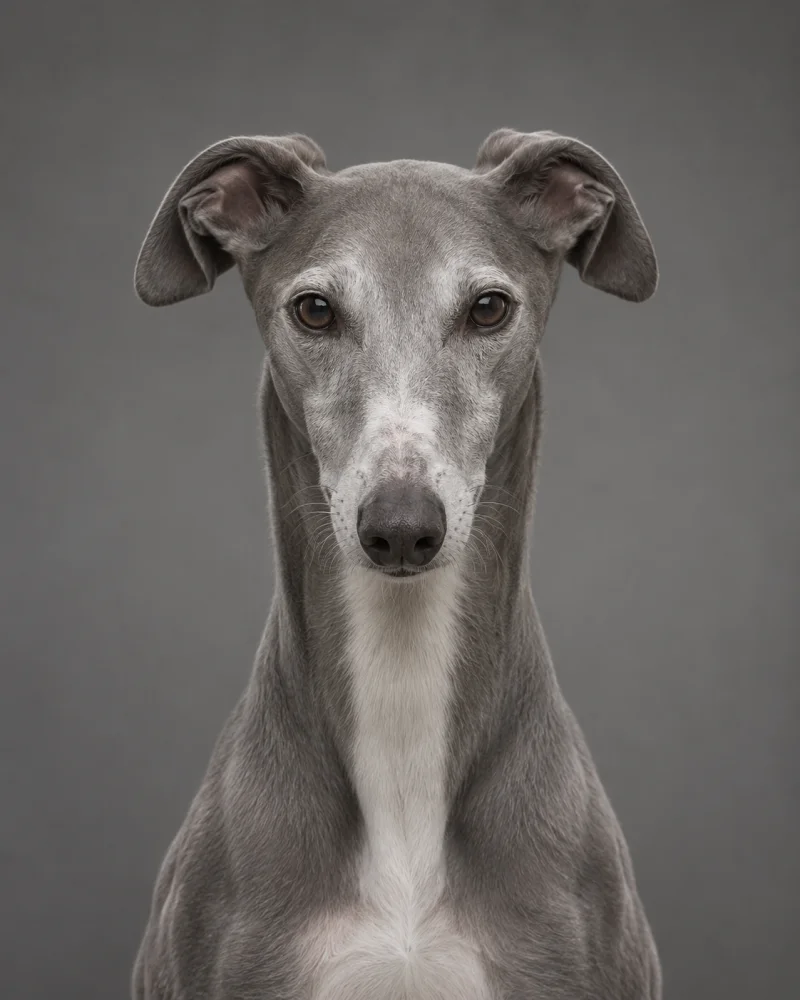
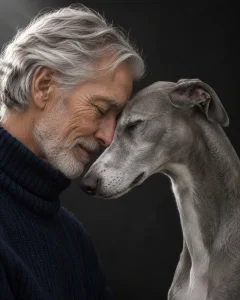
A selfie by a window and a photo of your dog on the sofa can work together. The backgrounds can differ. What matters is being able to see the shape of your face and the markings around your pet’s eyes and muzzle.

Which pictures should I upload?
Start with a clear photo of yourself and one of your pet. If your cat has a patch over one eye or your dog has differently colored ears, pick a photo that shows both sides of the face. A second angle can help when a distinctive feature is hidden. Use the people and pet upload areas above to keep the references separate.
Can I see the result before buying?
Generate your previews and look at the details you recognize first. Check the eyes, hairline, muzzle and coat pattern. You can then choose whether to download a watermark-free portrait. The portrait cost guide explains the download options.
For help choosing files, follow the separate-photo walkthrough. Adding another person or pet? Open the family portrait creator.
Try a different setting in the royal portrait creator, or use the memorial portrait guide to work with an older photo.