
Choose a scene with room for everyone
Count the people and pets you want in the finished picture. Two parents with one dog need a different composition from two people with two pets. These examples from the template library show how the group size changes the frame.
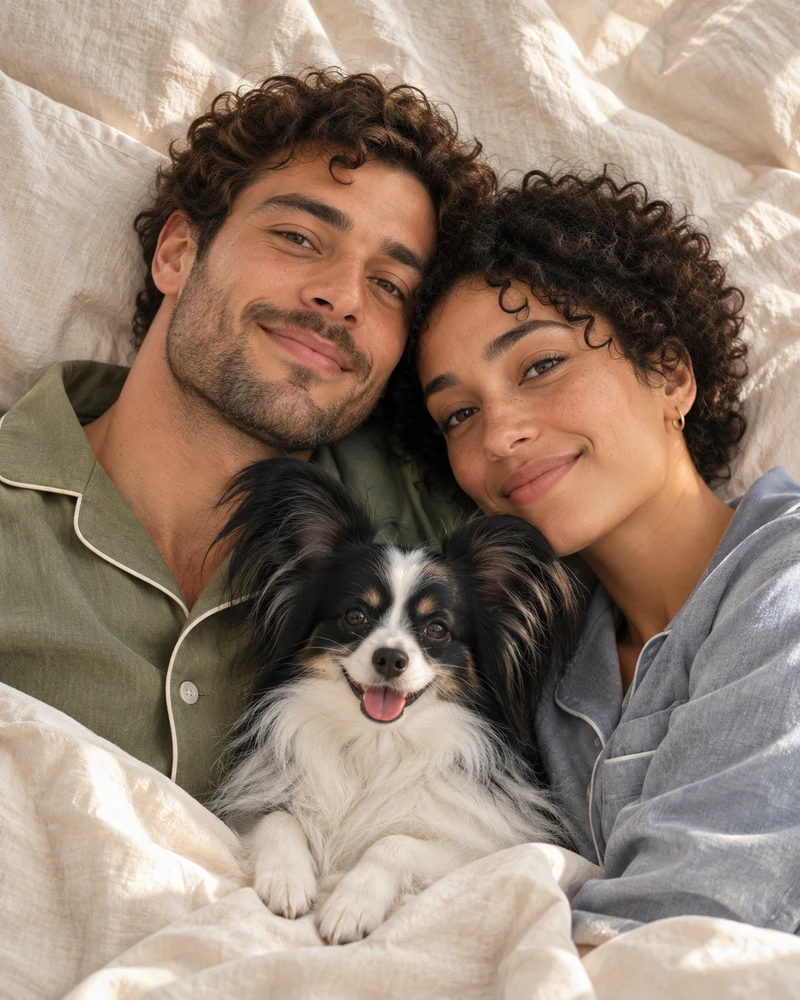
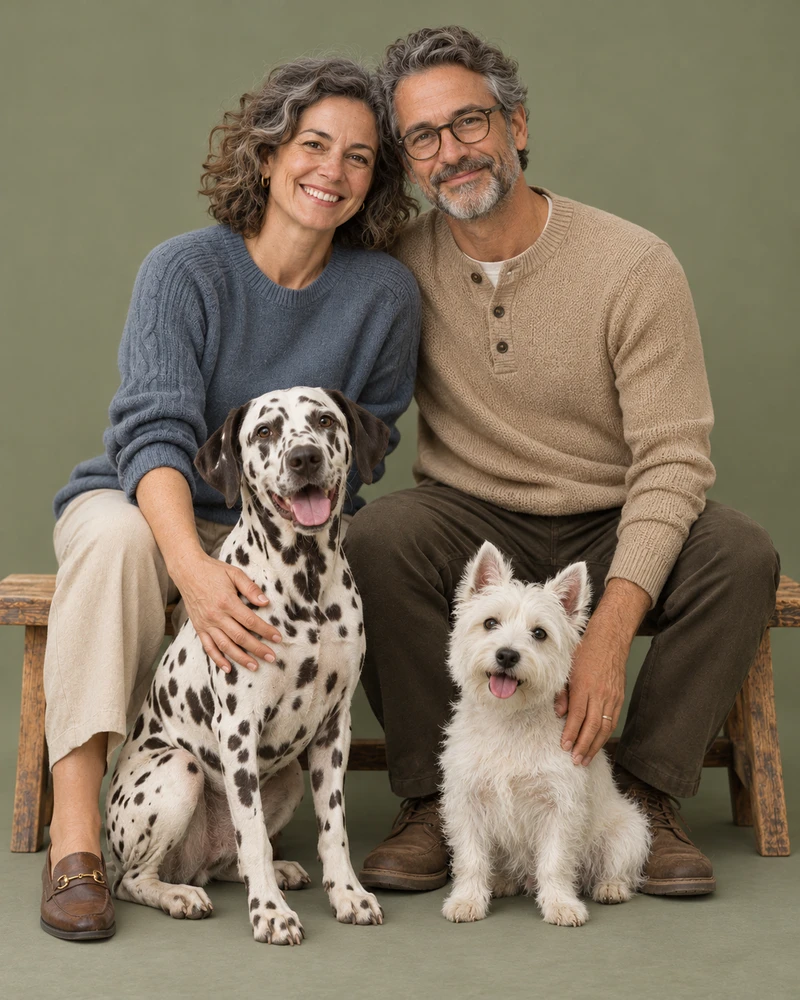
What if everyone lives in a different place?
Ask each person for one recent, well-lit photo. Gather a separate reference for each pet, especially if two animals have similar coloring. Different rooms, outfits and backgrounds are fine. Check that every person and pet has at least one clear reference before you generate.
How do I check a group portrait?
Count everyone in the preview, then check each face individually. Compare the pets’ markings and relative sizes with your references. If you plan to use the portrait as a gift, choose a composition that leaves space around the outermost faces for the frame.
See the photo preparation guide or try the Christmas gift walkthrough for parents and their dog. For a picture of just you and your companion, use the pet and owner portrait creator.
For a drawn version of your group, use the cartoon family and pet portrait creator.